How to Program Your Garage Door Remote: A Guide by Klington Overhead Door
How to Program Your Garage Door Remote: A Step-by-Step Guide
Programming your garage door remote might seem like a daunting task, but with the right guidance, it can be a straightforward process. Whether you've recently moved to Jackson Township, NJ, or just need to replace an old remote, understanding how to effectively program your garage door opener can save you time and enhance your home’s security. At Klington Overhead Door, we’re here to help you navigate this essential task.
Why You Need to Program Your Garage Door Remote
Before we dive into the programming steps, let’s explore why knowing how to program your garage door remote is important:
- Convenience: Easily access your garage without leaving your car.
- Security: Ensure that only authorized users can open your garage door.
- Efficiency: A properly programmed remote can save you the hassle of manual operation.
- Compatibility: Program multiple remotes for the same door or different doors.
Gathering the Necessary Tools
Before proceeding with programming, you’ll want to gather a few essential items:
- Your garage door remote.
- Your garage door opener (make sure to identify the brand and model).
- A step ladder (if necessary, to reach your garage door opener).
- Owner’s manual for your garage door opener (optional, but helpful).
Understanding Your Garage Door Opener
Most garage door openers come with a standard method of programming remotes. However, certain brands and models may have unique instructions. Here are some common brands you might encounter in Jackson Township:
- LiftMaster
- Chamberlain
- Genie
- Wayne Dalton
Step-by-Step Guide to Programming Your Garage Door Remote
Now, let’s get into the step-by-step process of programming your garage door remote. Follow these five easy steps:
1. Locate the Learn Button
The first step is to find the “Learn” button on your garage door opener unit. It’s typically located on the back or side of the motor housing. Depending on the model, it may be a colored button, often red, yellow, or green.
2. Prepare Your Remote
Have your remote control in hand and ensure that it has fresh batteries. If you’re uncertain, replace the batteries to avoid issues during programming.
3. Press the Learn Button
Once you’ve located the Learn button:
- Press and release the Learn button. You should see the LED indicator light turn on. This indicates that the opener is in programming mode.
- You generally have a short window (30 seconds) to complete the next step.
4. Program Your Remote
Within the 30-second window:
- Press and hold the button on your remote that you want to use to open the garage door.
- Keep holding the button until you see the garage door opener light blink, or hear a click. This confirms that the remote has been programmed successfully.
5. Test the Remote
Finally, test the newly programmed remote by pressing the button. The garage door should respond appropriately. If it doesn’t work, repeat the steps to ensure it was programmed correctly.
Troubleshooting Common Issues
Sometimes, programming might not go as planned. Here are some common issues and solutions:
- Remote Not Responding: Check the battery and ensure it’s inserted correctly. Consider reprogramming.
- LED Indicator Not Lighting: Ensure you pressed the Learn button firmly and check for power to your garage door opener.
- Conflicting Remotes: If multiple remotes are programmed, they may interfere with each other. Erase all remotes and start fresh.
When to Call a Professional
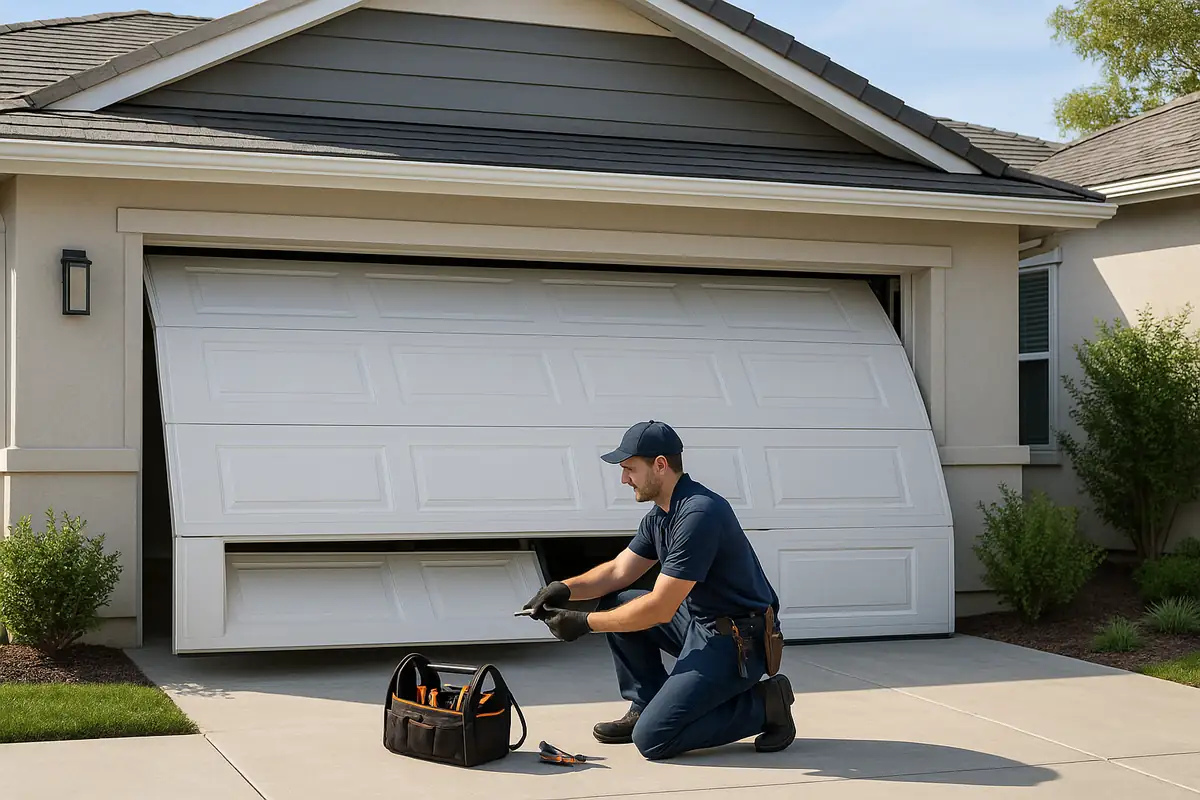
If you run into issues you can’t resolve, it might be time to call in a professional. Klington Overhead Door is here to assist with any garage door remote programming challenges you face in Jackson Township. Our skilled technicians can help ensure your garage door operates smoothly.
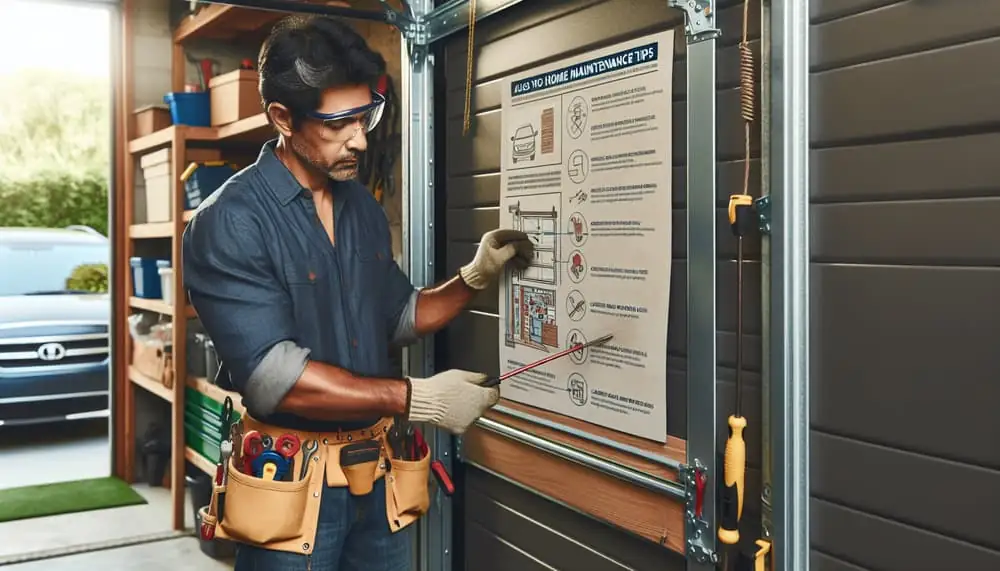
Maintenance Tips for Your Garage Door System
After programming your garage door remote, it’s a good time to consider maintenance for your garage door system:
- Regularly lubricate: Ensure moving parts like springs and rollers are lubricated to prevent wear.
- Inspect the tracks: Check for debris or misalignment that could hinder the door's movement.
- Test the safety features: Regularly test the safety reversal system by placing an object under the door and ensuring it reverses when it touches.
- Schedule professional maintenance: Consider having a professional inspect your garage door system annually.
Conclusion: Keep Your Garage Secure and Functional
Programming your garage door remote shouldn’t be a headache. By following these steps, you can get your remote up and running effortlessly. Remember, if you need assistance, Klington Overhead Door is your trusted garage door repair expert in Jackson Township, NJ. Our team is equipped to help you with any garage door needs, big or small—reach out to us today!
Explore More Resources
Related Articles
Service Areas
We proudly serve Jackson Township, Harmony, Hyson, Edgewood Park, Vista Center and more areas.
Our Services
Professional garage door repair, spring repair, opener installation and more. View all services →